The page size of a website directly affects its ranking. The greater the weight of the page, the longer it takes to load it. The search engine bot will mark the heavy page as useless and will lower it in the SERP. When striving for the TOP, you need to monitor the size of all website pages. You can check the page weight using free online services. Here we discuss which Size best for Web Page for Fast Loading Times?
Optimal Web Page Size
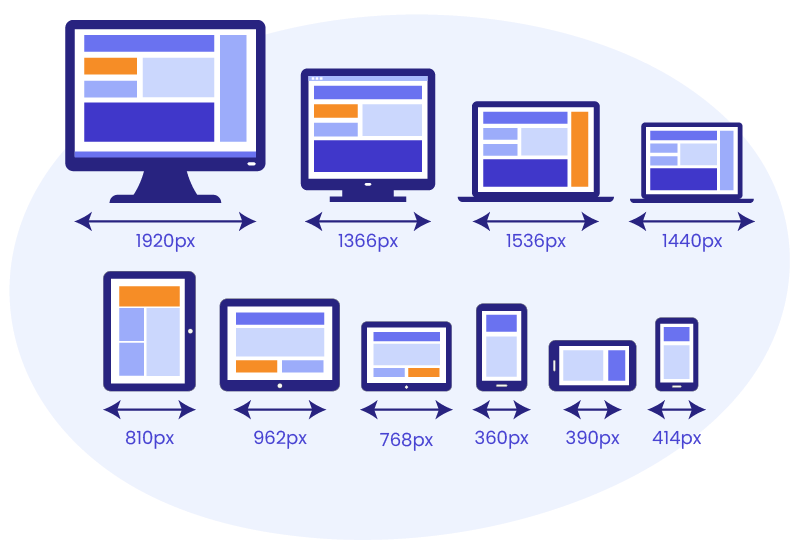
Less is better. In each industry, there is its own optimal web page size, therefore it is advisable to focus on your competitors. See which websites appear first in the search results. Measure the weight of their websites as well as individual pages. You should strive to keep the page weight of your website lighter than that of your competitors. Then, there is every chance of overtaking them in the search results, “other things being equal”. The average optimal weight per page is approximately 1–1.5 MB, but in general, this value should not exceed 3 MB.
Importance of website optimization

The page size of a website is important for the website optimization to the TOP. The smaller the information volume, the faster it loads. The fewer time visitors have to expect to load the desired content, the greater the likelihood that they will not leave this website. Use free online services to find out the size of the entire website and its particular pages. Apply their recommendations to reduce the volume of loaded information. The size of your website should be smaller than that of competitors.
Why should a Website Load Fast?
Users prefer to websites with quick load speeds on people with slow speed. But the speed of loading is not just a matter of personal choice; It also has an impact on the success of the website. The longer it takes to load a website, the higher the bounce rate. A high bounce rate search indicates to engines that readers do not find the page content useful, resulting in a decline in the ranking. And ecommerce businesses will lose customers if they have a fraction of a second slow pace than the checkout page competition.
Services for Calculation of the Page Weight
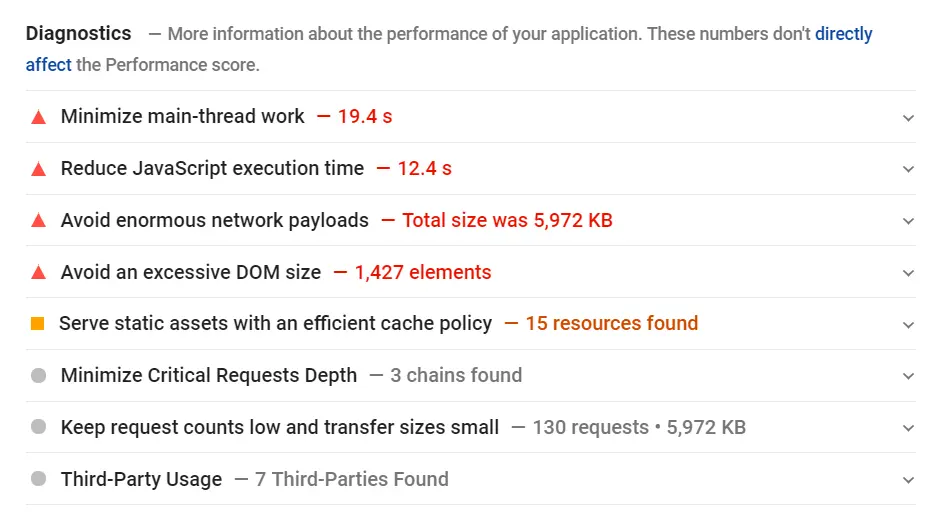
Online services are able to analyze page size by various parameters. Most of them show the loading speed index, time of full-page loading, the loading time of each element, etc. There is a useful tool from Google — Page Speed Insights. It will not give the exact size of the page, but it will provide valuable recommendations for improving this index.
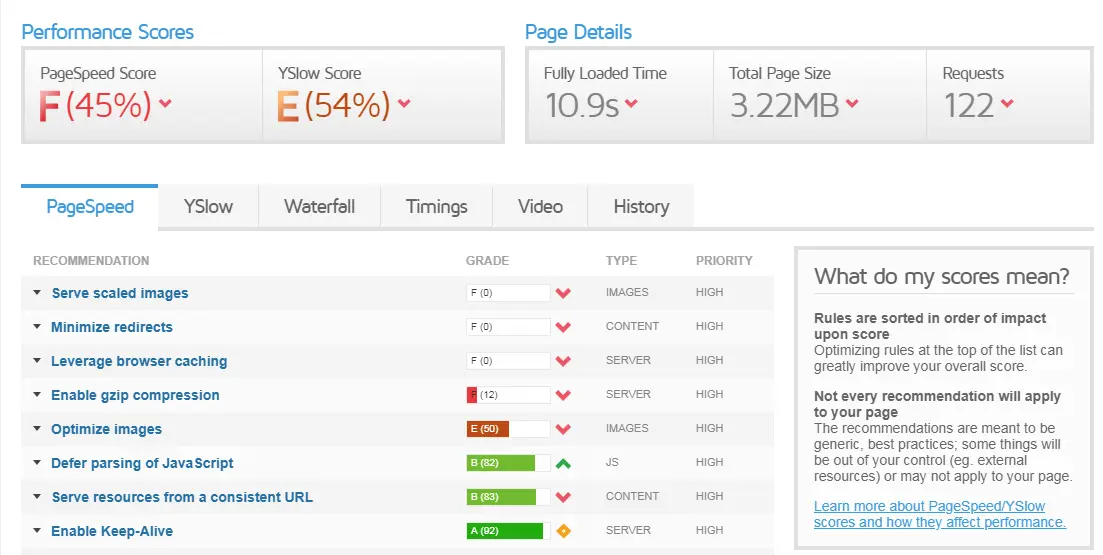
A more advanced analysis tool is offered by GT metrix. This service checks the site for dozens of parameters and gives a full report.
Another popular service for comparison is Pingdom. It makes it possible to calculate the number of requests to the server and parse data by the content type. If the services show the maximum web page size in your case, use recommendations to reduce the volume of loaded information.
How to Resize a Web Page
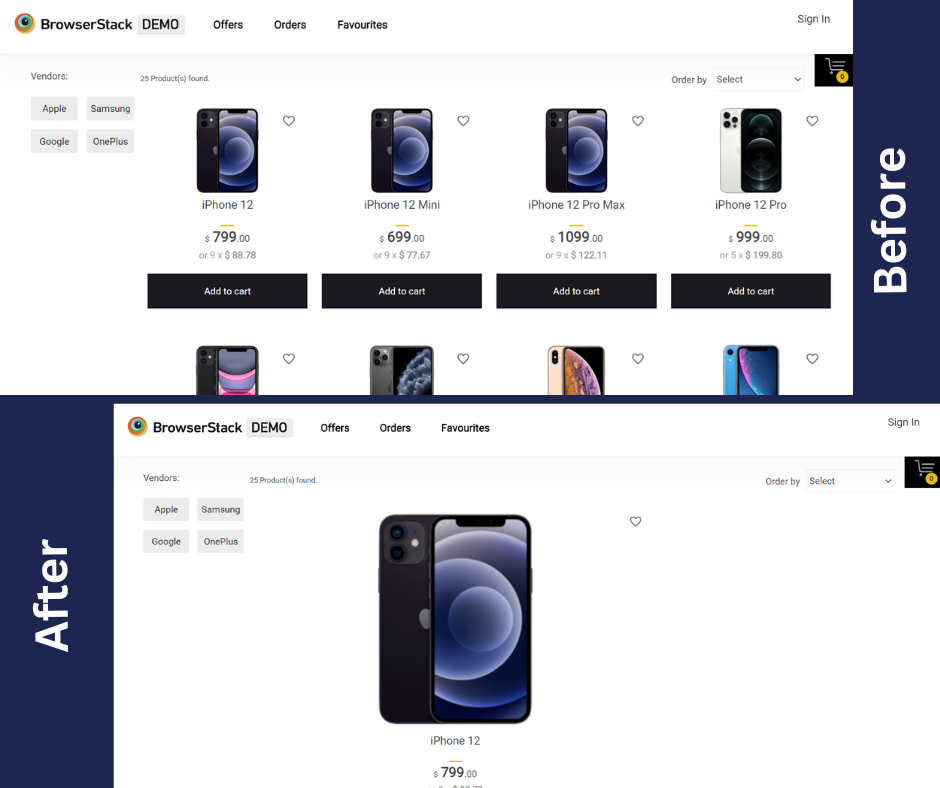
- Use JavaScript, CSS, and Zip compression, for example, JavaScript Compressor service
- Configure delayed image upload. Let the content load first, and then the images. This tip is especially relevant for the mobile version of a website.
- Change the format and size of the images. The smaller the volume of images, the faster the page will load. Use the Optimizable service and the like.
- Cache all elements but keep track of the server load.
- Group images through CSS sprites. Use sprite generators like this one.
- Connect Ajax to load additional items.
How is Web Page Speed Measured
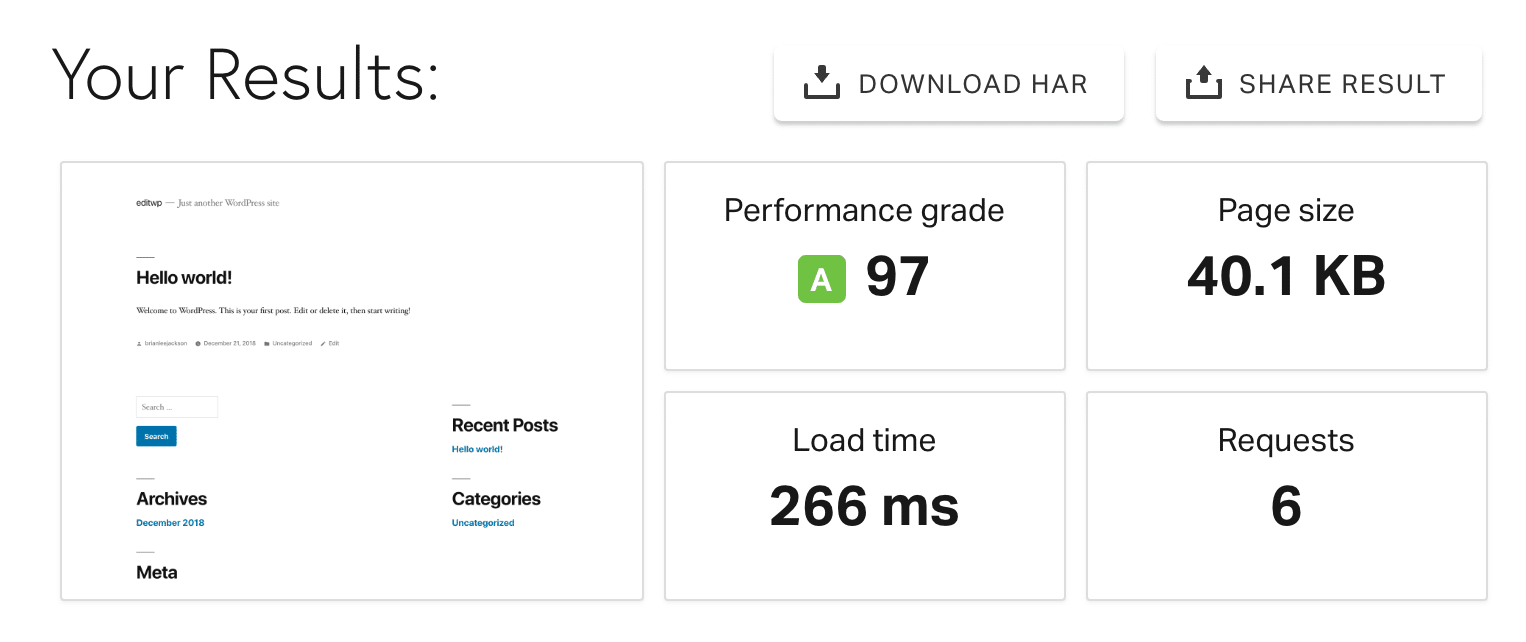
Website speed is the rate at which your site loads for visitors. This is based on an average of numerous page speeds; page speed, or page load time, refers to the amount of time it takes for a web page’s elements, such as text and graphics, to fully load. Research indicates that website users are likely to leave if it takes more than 400 milliseconds – the blink of an eye — to load. Some key metrics that allow enterprises to monitor Web Page Speed are enlisted as below:
- Time to First Byte (TTFB): This measure helps to determine how long it takes for web browsers or mobile devices to obtain the first response from the server following a request.
- Page Load Time: This assists in determining the time required to completely load a certain page.
- Server Response Time: is used to determine how long it takes to receive a complete response from a server.
- First Con tentful Paint (FCP): is the time it takes for the first piece of content (text, image, etc.) to appear on the screen.
- Largest Con tentful Paint (LCP): This statistic is used to determine the amount of time required to load the largest piece of content (text or image).
- First Input Delay (FID): is used to track the time between when a user submits a request (such as clicking a button or link) and when the browser begins to function.
- User Engagement Metrics: like bounce rate, session duration, and conversion rates.
- Time Required to Parse HTML into a DOM: and Execute the Script
- Round Trips: This metric measures the time from HTTP request to server and from server to HTTP response, calculating the total round-trip time.
- Other post: How Many Pages Does a Website Need?
- Other post: What Is an Internal Linking
- Other post: What is the Google Algorithm Update
- Other post: What Is Off-Page SEO?