Whether you’re writing a new blog post or working on your product pages, chances are you’ll find yourself asking whether your page needs an image. The answer is always “Yes”. Images bring a page to life and contribute to your website’s SEO. But don’t worry; we’ll help you figure out where to find the right image and optimize it for SEO in no time. Here we explore how to Optimize images for search engines.
Always use images
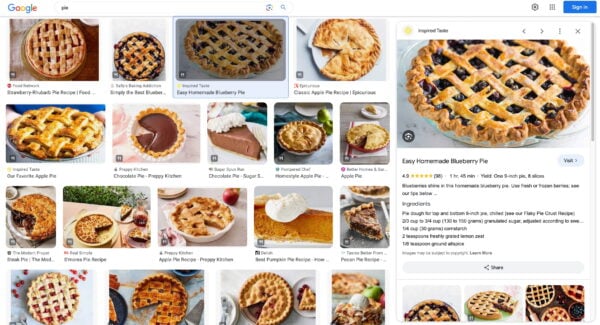
Images, when used correctly, will help readers better understand your article. Or get a better idea of the product or service you’re offering. The old saying, “A picture is worth a thousand words” probably doesn’t apply to Google. But it’s true when you need to spice up 1,000 dull words, illustrate what you mean in a chart, or make your social media posts more enticing. It’s a simple recommendation: add images to every article you write or page you create to make them more appealing. Moreover, with the search landscape rapidly changing and not just relying on text anymore, adding visuals to your pages will benefit your SEO.
Alternatives

Don’t you have any original images you can use on your website? There are other ways to find unique images. Flickr Creative Commons and Un splash are great image sources, for instance, as you can use Creative Commons images. Remember to check out the restrictions and attribute the original photographer when you use one of their images. Our blog post gives you an overview of where to get great images. Steers clear of obvious stock photos. And if you insist on using stock photos, pick the ones that look more genuine.
Preparing images for use in your article
Once you’ve found the right image – a photo, illustration, or chart – the next step is optimizing it for your website. So, before you add your image, there are a few things you need to think about:
Choose the right file name
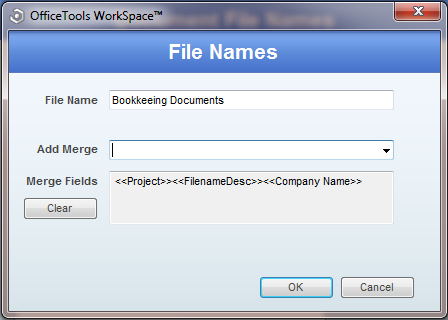
Yes, we’re serious. Image SEO starts with the file name. You would like Google to know what the image is about without even looking at it. So, use your focus keyphrase in the image file name. It’s simple: if you’re writing an article on Notre Dame and use an image showing a sunrise in Paris over the Notre Dame Cathedral, the file name shouldn’t be DSC4536.jpg. A proper file name would be notre-dame-paris-sunrise.jpg. That way, the photo’s main subject (and perhaps your article) is at the beginning of the file name.
Choose the right format
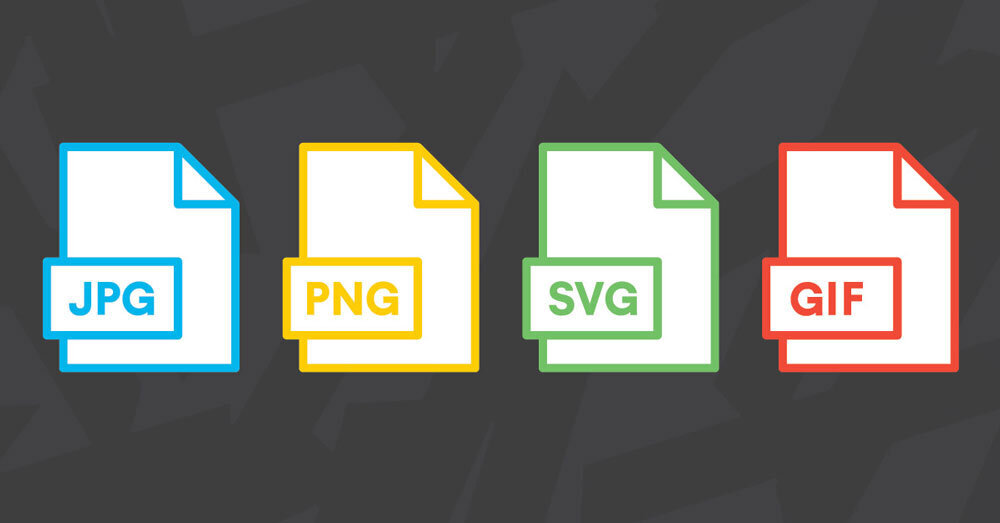
For images, the right format doesn’t exist. It depends on the kind of image and how you want to use it. In short, we recommend to:
- Choose JPEG for larger photos or illustrations. It will give you good results in terms of colors and clarity with a relatively small file size;
- use PNG if you want to preserve background transparency in your image;
- or use WebP instead of JPEG and PNG. It will produce high-quality results with smaller file sizes. You can use tools like Squoosh to convert your image into Web.
- use SVG for logos and icons. With the help of CSS or JavaScript, you can manage images in SVG format. For instance, resize them without loss of quality.
Scale for image SEO
Loading times are essential for user experience and SEO overall. The faster the site, the easier for users and search engines to visit a page. Images significantly impact loading times, especially when you upload a huge image to display it small. For example, a 2500×1500 pixels image displayed at 250×150 pixels size. Even if it is displayed a lot smaller, the entire image still has to be loaded. So, resize the image to the size you want to display it. WordPress helps you do this by automatically providing images in multiple sizes after uploading them. Unfortunately, that doesn’t mean the file size is also optimized; that’s just the image display size. So, think about the size in which you upload your images!
Use responsive images
This one is essential for SEO as well. And if you’re using WordPress, it’s done automatically since it was added by default in WordPress 4.4. Images should have the secret attribute, which makes it possible to serve a different image per screen width, is especially useful for mobile devices.
Reduce file size

The next step in image SEO is to ensure your scaled image is compressed. That way, it’s served in the smallest file size possible. It is good to know that WordPress does compress the images you upload. But, unfortunately, this automatic compression often isn’t enough to rely on it alone. Of course, you could export the image and experiment with quality percentages. But we prefer to use the highest possible quality images, especially given the popularity of high-resolution screens in mobile and desktop devices.
Adding the image to your article
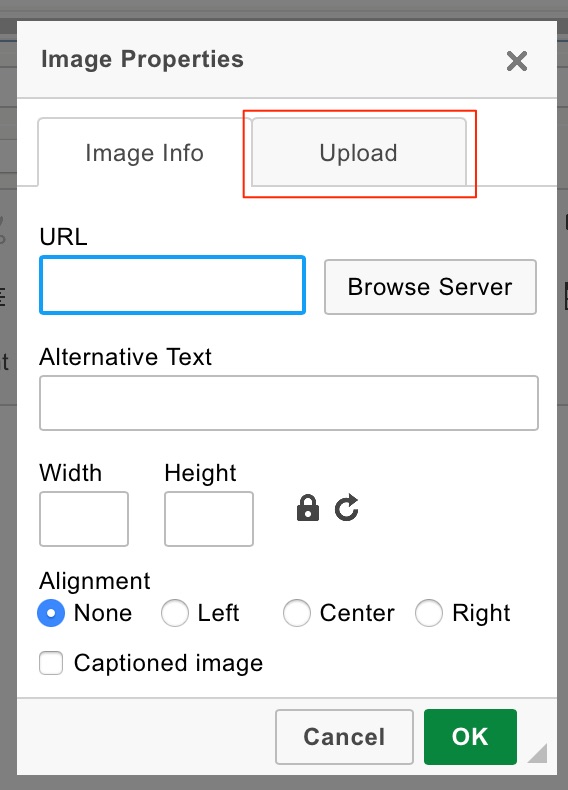
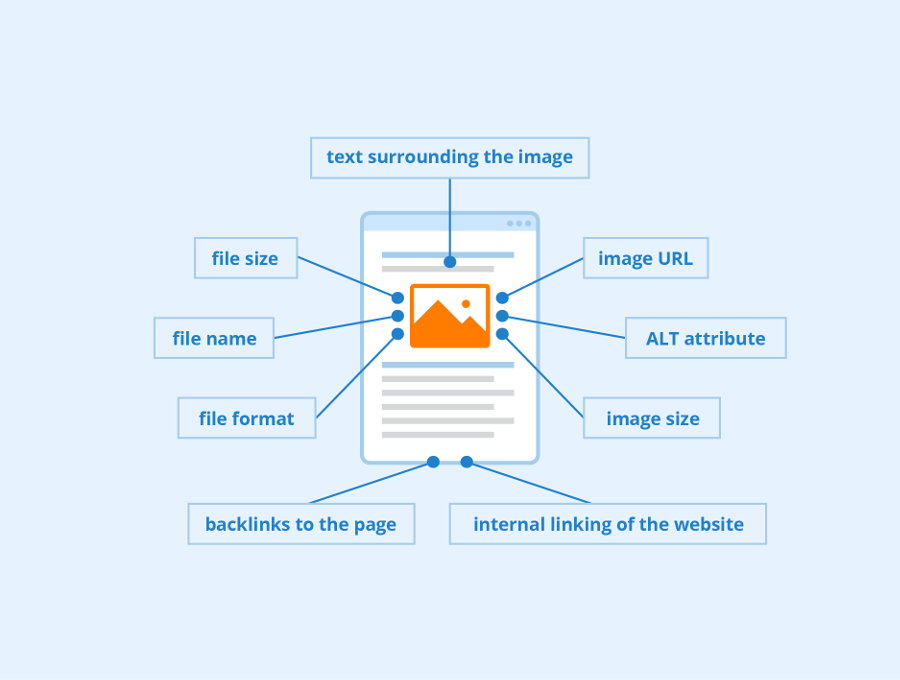
While Google is improving at recognizing what’s in an image, you shouldn’t rely on their abilities yet. It all comes down to you providing the context for that image — so fill in as much as you can! We’ll discuss how below. When your image is ready to use, don’t just throw it into your article anywhere. As mentioned earlier, adding it close to related textual content helps a lot. It makes sure the text is as relevant to the image as the image is to the text, something users and Google prefer.
Captions

The image caption is the text that accompanies the image on the page. If you look at the images in this article, it’s the text in the gray box below each one. Why are captions important for image SEO? Because people use them when scanning an article. People tend to scan headings, images and captions as they scan a web page.
Add image structured data

Adding structured data to your pages can help search engines display your images as rich results. While Google says structured data doesn’t help you rank higher, it does help to achieve a more fleshed-out listing in Image Search. Google has a few guidelines you need to follow if you want your images to appear rich in image search. For one, when specifying an image as a structured data property, please ensure that the image belongs to the instance of that type. In addition, your image should have the image attribute, and your pictures should be crawlable and indexable.