What is Anchor Text? is the part of a hyperlink that is clickable and visible to users. It is placed between the opening <a href> and closing anchor tag </a>. The anchor provides context to search engines and users about the content of the link’s destination. Here is an example of an anchor text. This is what the code looks like:
<a href="https://example.com">This is an anchor text</a>
Why Is Anchor Text Important For SEO?
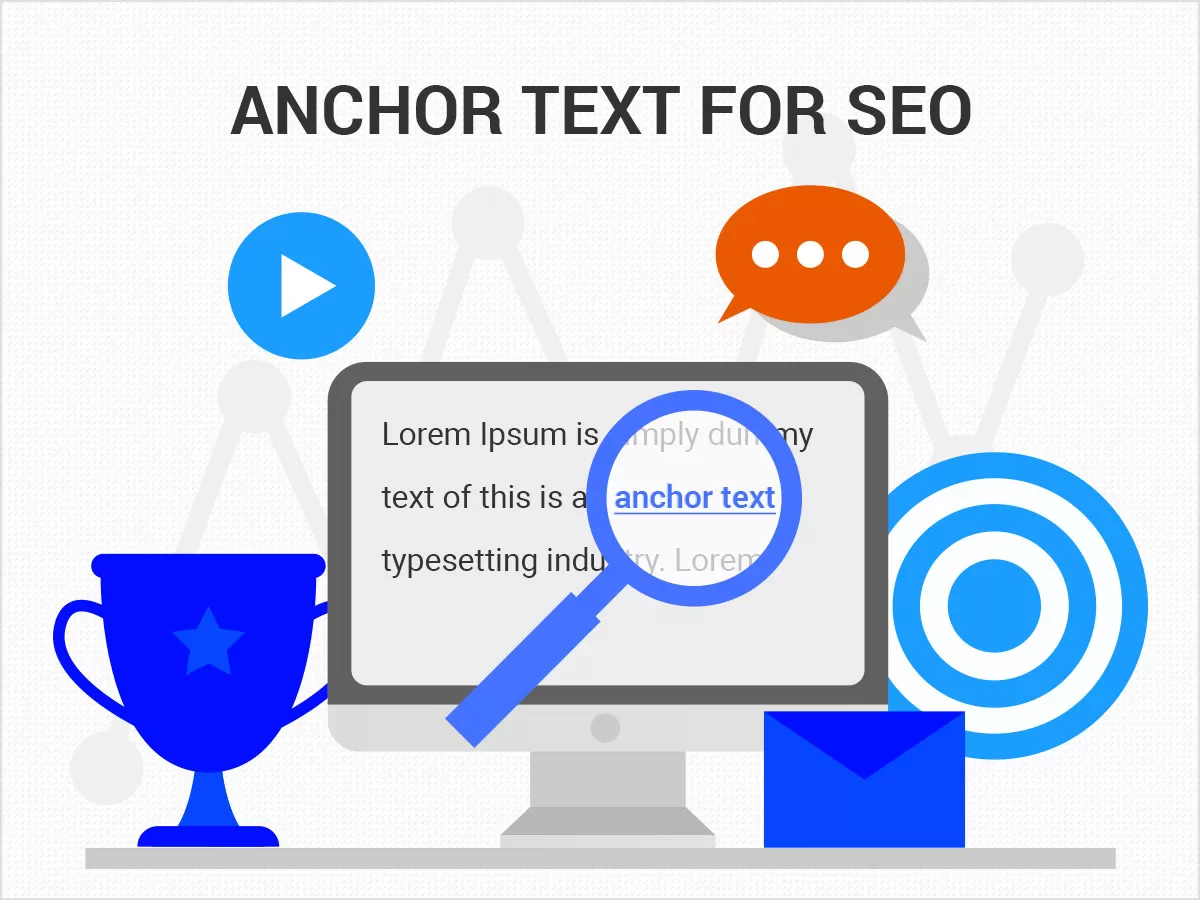
When a search engine crawls a website, it evaluates the anchor text to understand the linked content better. Ideally, anchor text should be relevant and descriptive, avoiding generic phrases like “click here.” This helps improve user experience and can positively impact a site’s search engine rankings. Writing optimized anchor text for your internal and external links can help your SEO in several ways.
- Optimized anchor in internal links can help search engines understand the site structure.
- Anchor in incoming links can help you rank higher for specific search terms.
- Good anchor in external links helps users understand if this is a link they want to click.
Different Types of Anchor Text

You can use different types of anchors when creating a hyperlink. The most common types are:
- Branded – using your brand name as anchor text.
- URL (aka naked link) – using the permalink of a page without text.
- Domain name – using your domain name as anchor text.
- Generic – does not include specific keywords and is used very often.
- Exact match keywords – using keywords for the link.
- Partial match – using keywords with additional text.
- Page Title – Use the page title as is.
- Images – When an image is used as a link, the ALT text is the anchor text.
Anchor Text Best Practices For SEO
Follow these tips to optimize anchor for SEO:
1. Choose Relevant Text

Try to use relevant anchor in your links. A relevant anchor, in this case, gives an idea of what to expect to find in terms of content when clicking the link. When choosing an anchor text:
- Avoid using generic words like ‘click here’, ‘this’, ‘read this’, ‘read more’ etc. These words don’t give search engines enough clues about what the linked page is about.
- Avoid using text unrelated to the content of the linked page.
2. Avoid Using Naked Links
In many cases, webmasters may use the URL of a page (also known as naked URL) as the anchor. Although it will not create problems, it’s not the best practice, so use it when necessary. A better alternative is to use the page title as the anchor text.
3. Write Short Anchor Text
Write short anchor that is concise and without too many words. If it has a lot of words, it’s more difficult for search engines to understand it.
Example of a good anchor:
<a href="https://example.com">What is anchor text</a>
Example of a ‘bad’ anchor:
<a href="https://example.com">Anchor text is defined as the link that is clickable</a>
4. Format Links Differently from Normal Text
Links should be easy for users to spot. Best practices include making the link color different than the text color. See in this article how easy it is to differentiate my links from the rest of the text.
5. Avoid Anchor Text Over Optimization
Anchor over optimization occurs when a website excessively uses exact match keywords in its anchor texts, especially intending to manipulate search engine algorithms. Google considers this practice as a red flag and can lead to penalties.
6. Optimize Anchor Text for Internal Links
When it comes to creating anchor for internal links, it’s a different story. You should follow all the guidelines explained above without worrying about over-optimization. Google repeatedly mentioned that there is no anchor text over-optimization penalty for internal links. If you take a closer look at the article you’re reading now, I have used different types of anchor text for the internal links. Most of them are exact match and others are using the page title.