Internal links are vital both to a website’s user experience and to search engines like Google. When it discovers a website, Google uses its bots to “crawl” the site and index its content. Internal links are rather like the various strands of a spider’s web in that respect: without the connections made by internal links, search engine bots – as well as your human users – would find your website impossible to navigate. Here we explore what is an internal linking
Why Are Internal Links Important For SEO?
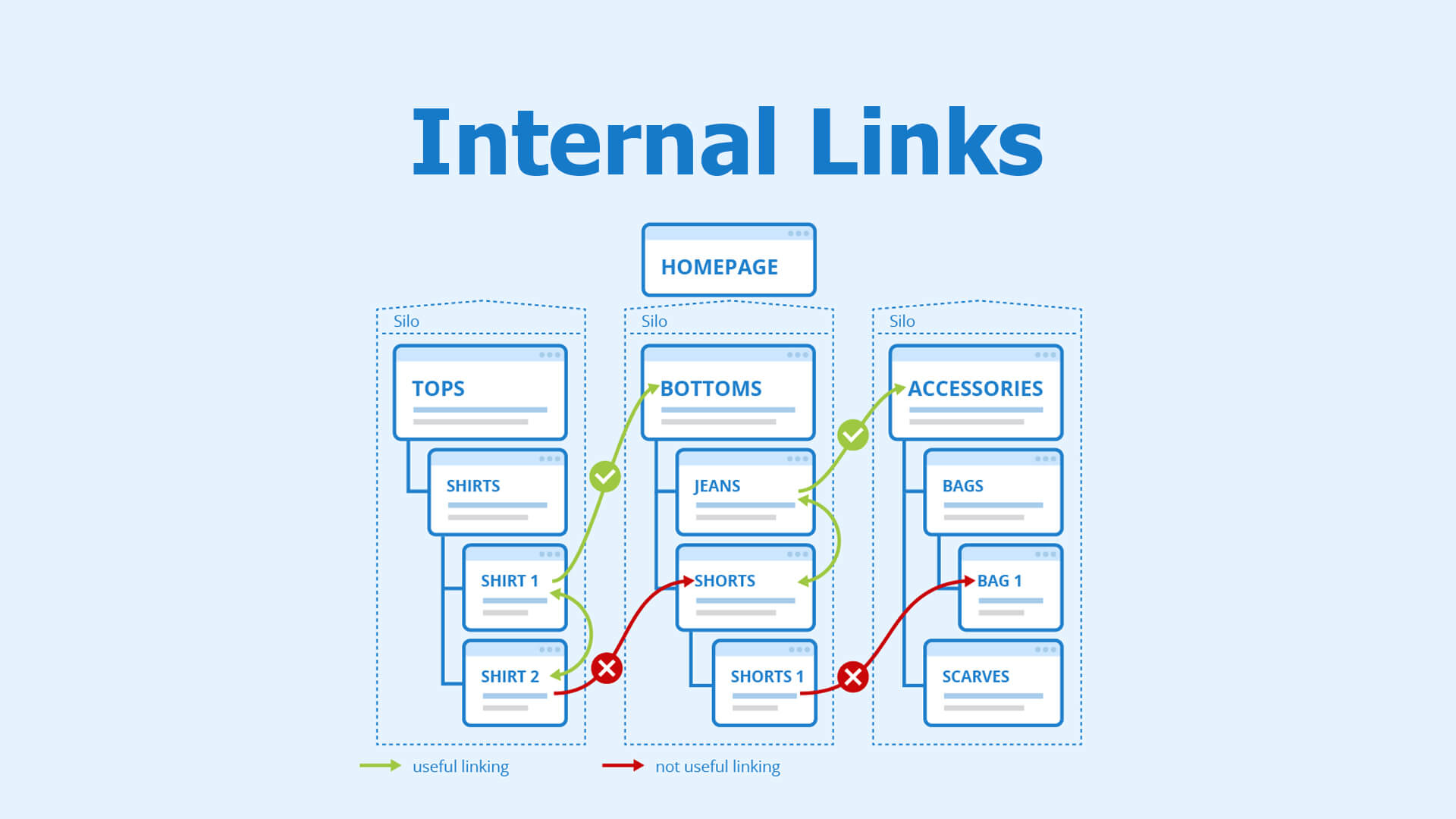
Internal links are important for any website that wants to rank higher because:
- They make website navigation easier.
- It’s a way to associate pages of the same site together.
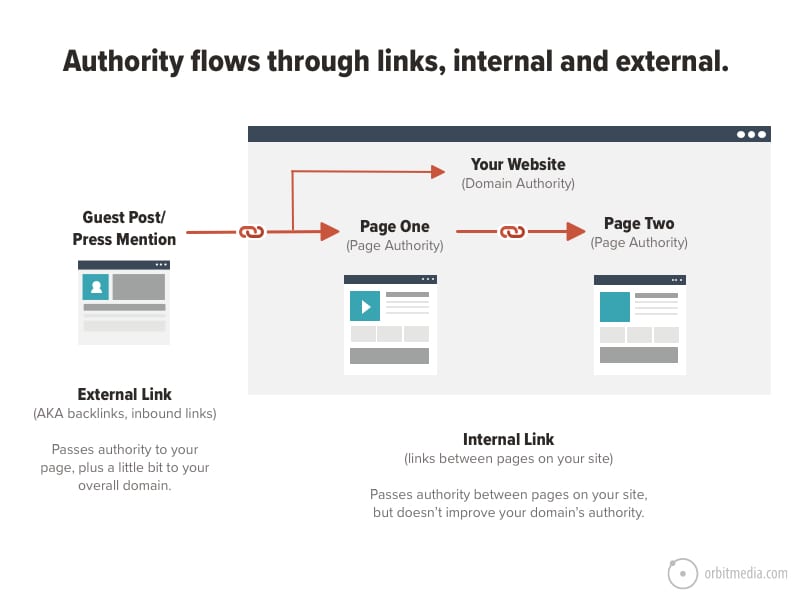
- You can distribute a page’s PageRank (authority) around the website.
- Helps search engines understand the structure of a website.
Internal Linking Best Practices
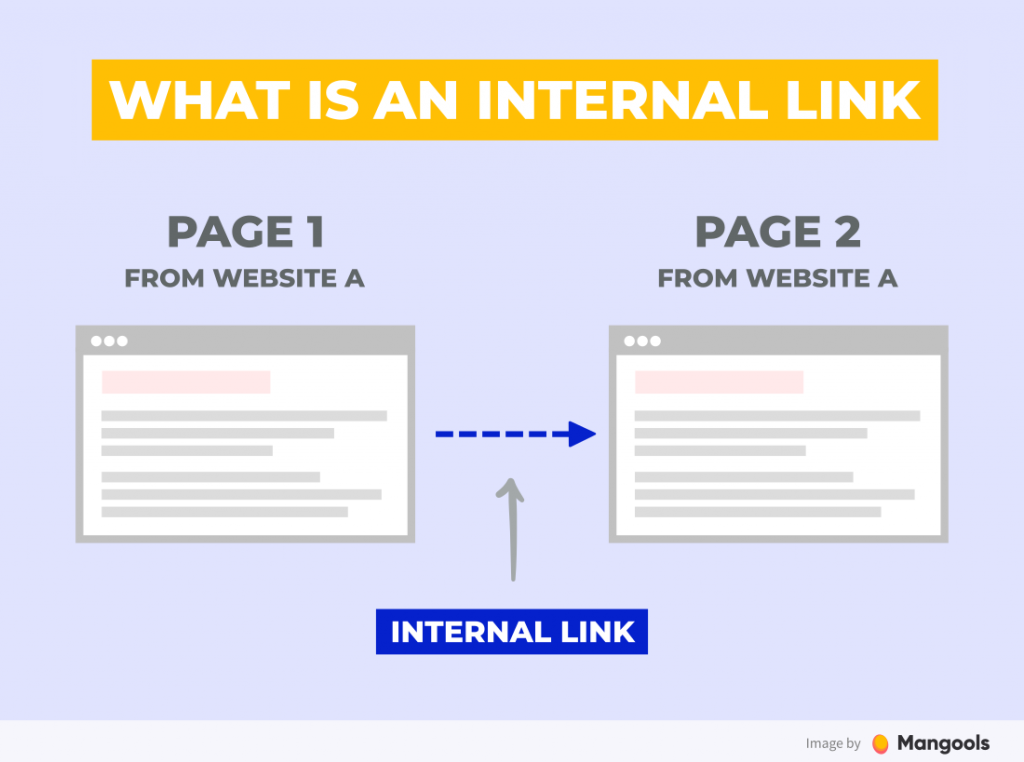
Internal links are links that point to pages on the same domain. They are different from external links point to pages on a different website.
1. Link Important Pages from the Homepage
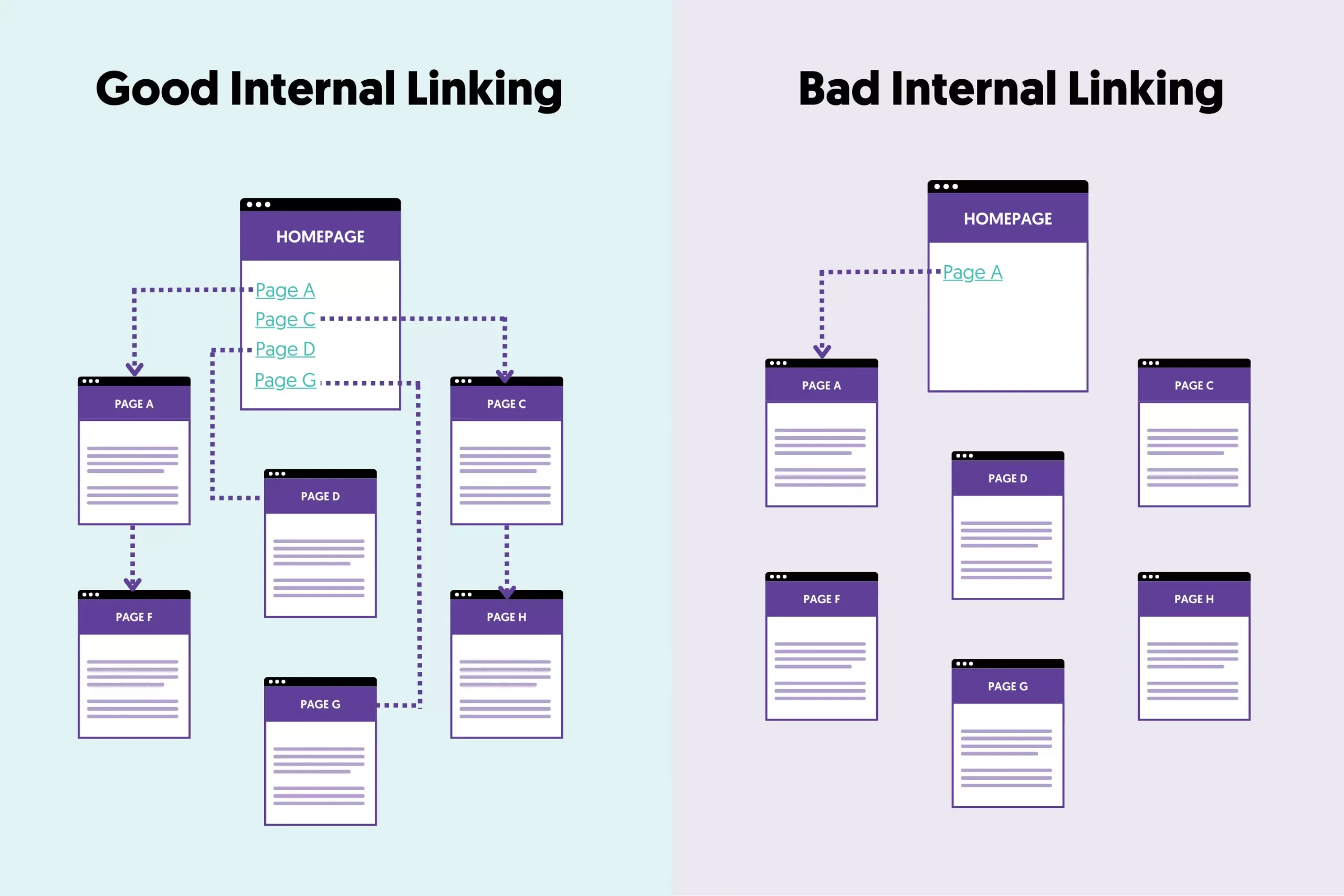
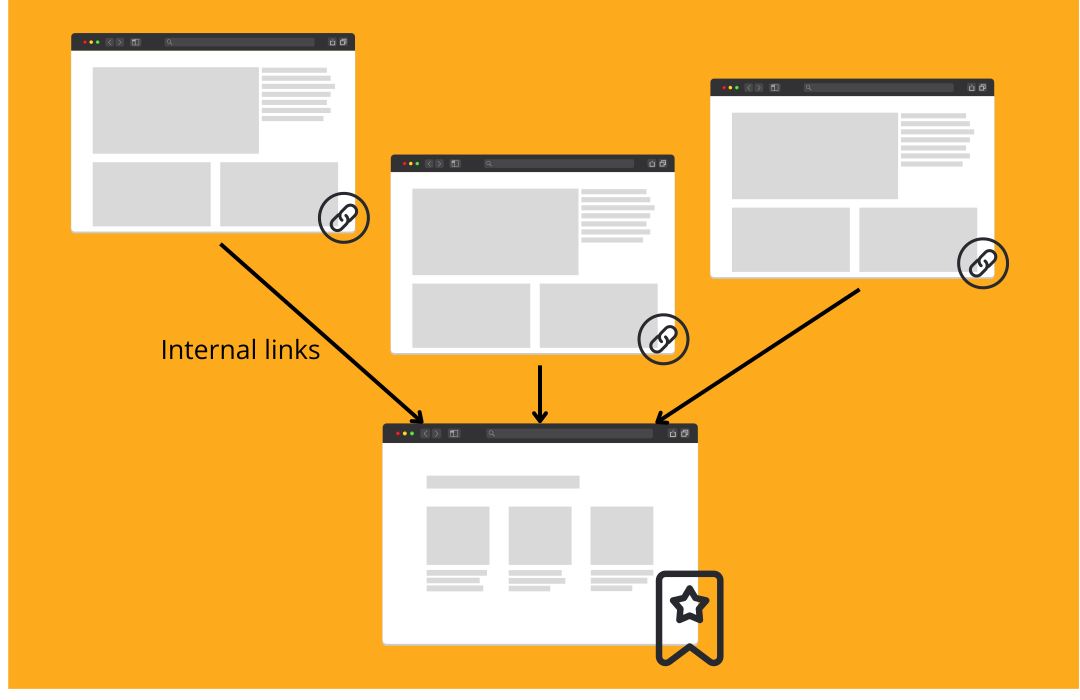
As you can see in the diagram above (Good Internal Linking), the homepage links to the website’s most important pages, and then each page links to other pages, creating a small web. Search engines work by crawling and indexing a website from the homepage and then following any links to discover and index more pages from the same website. Internal links help them a lot during this process by pinpointing to crawlers which pages are important for the site.
2. Add Internal Links in the Body of a Page
Not all internal links are equal. For an internal link to have real value, it should be in the body of the page. Internal links in the sidebar, footer, or outside the body of the page do not provide much value. Yes, you can still use them to aid user navigation, but they are not very important for link juice distribution.
3. Link New Pages to Old Pages And Vice Versa

When adding internal links, it is common practice to link from new to old pages, but you should also do the opposite for the best results. In other words, you should review your internal linking and add links from old pages to point to newer published pages.
4. Use Internal Links To Distribute PageRank
Internal links to pass PageRank from your strong pages to other pages on your website. For example, if a page on your website has a lot of backlinks, then edit that page and add internal links to other pages on your website.
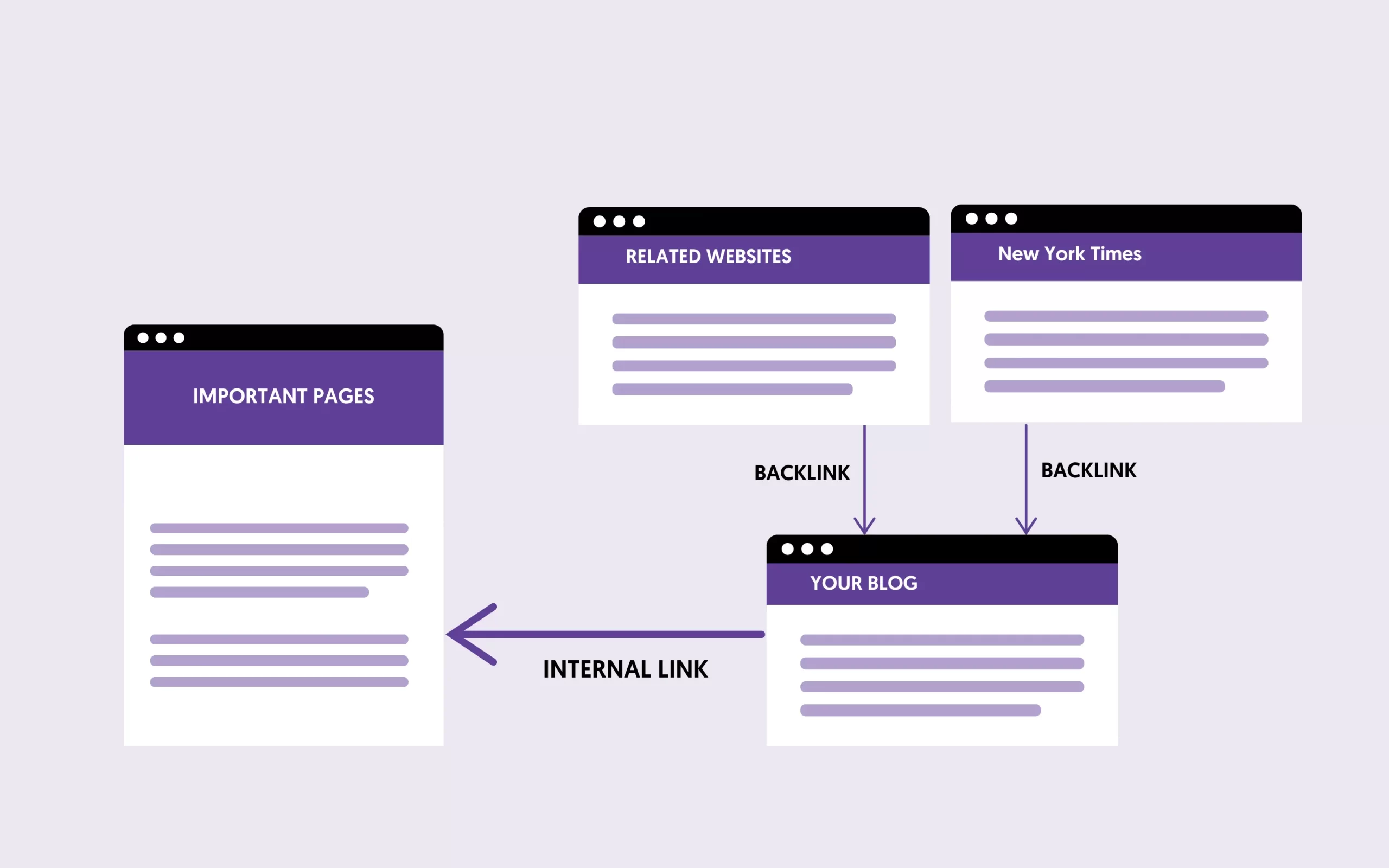
Of course, links must point to related pages and be inserted naturally into the content.
5. Add Internal Links When It’s Useful for the User Experience

When considering internal linking, it’s important to prioritize the user experience above all. This means adding links where they naturally fit within the content, guiding your readers to additional relevant information without disrupting their reading flow. A good practice is to link to deeper, more detailed content from broader overview pages. This enriches the user’s understanding and encourages them to spend more time on your site, positively impacting your site’s engagement metrics.
6. Use Keyword Rich Anchor Text
While using exact match anchor text can get you in trouble for external and incoming links, for internal links, there is no Google penalty for doing so. Google guidelines encourage using relevant anchor text to help Google navigate your site better.
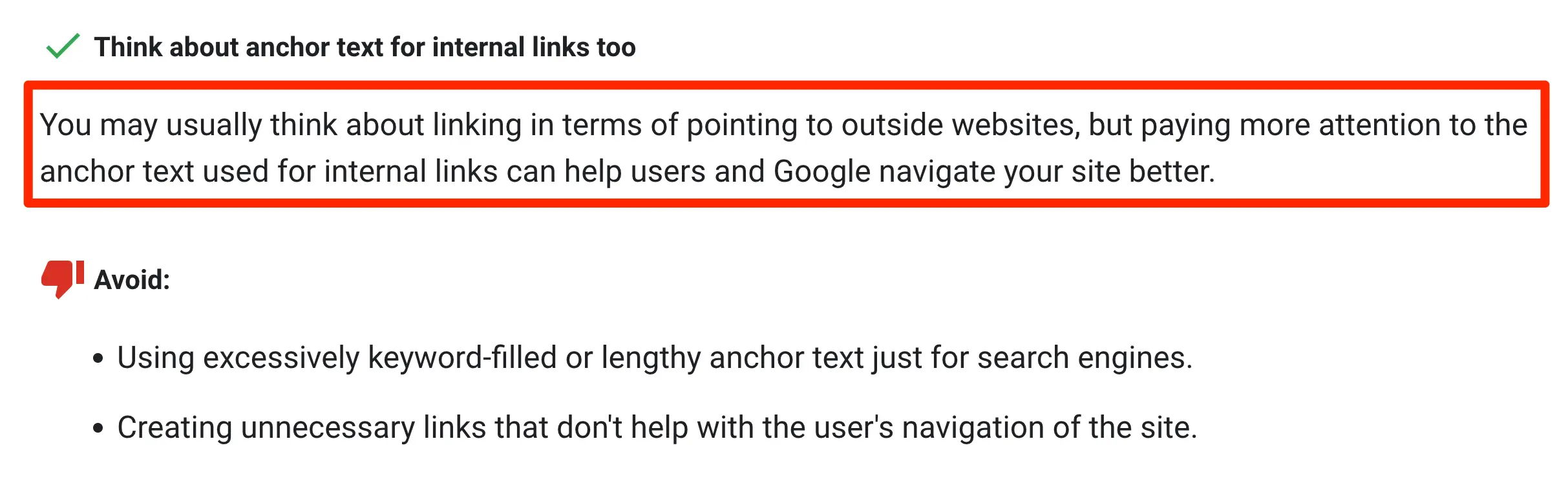
You can add keywords in the anchor text without any problems, but it is always best practice to avoid exaggerations. In other words, use both keyword and non-keyword anchor text for internal links. Variation in both internal and external links is always recommended.
7. Add Links to Important Pages
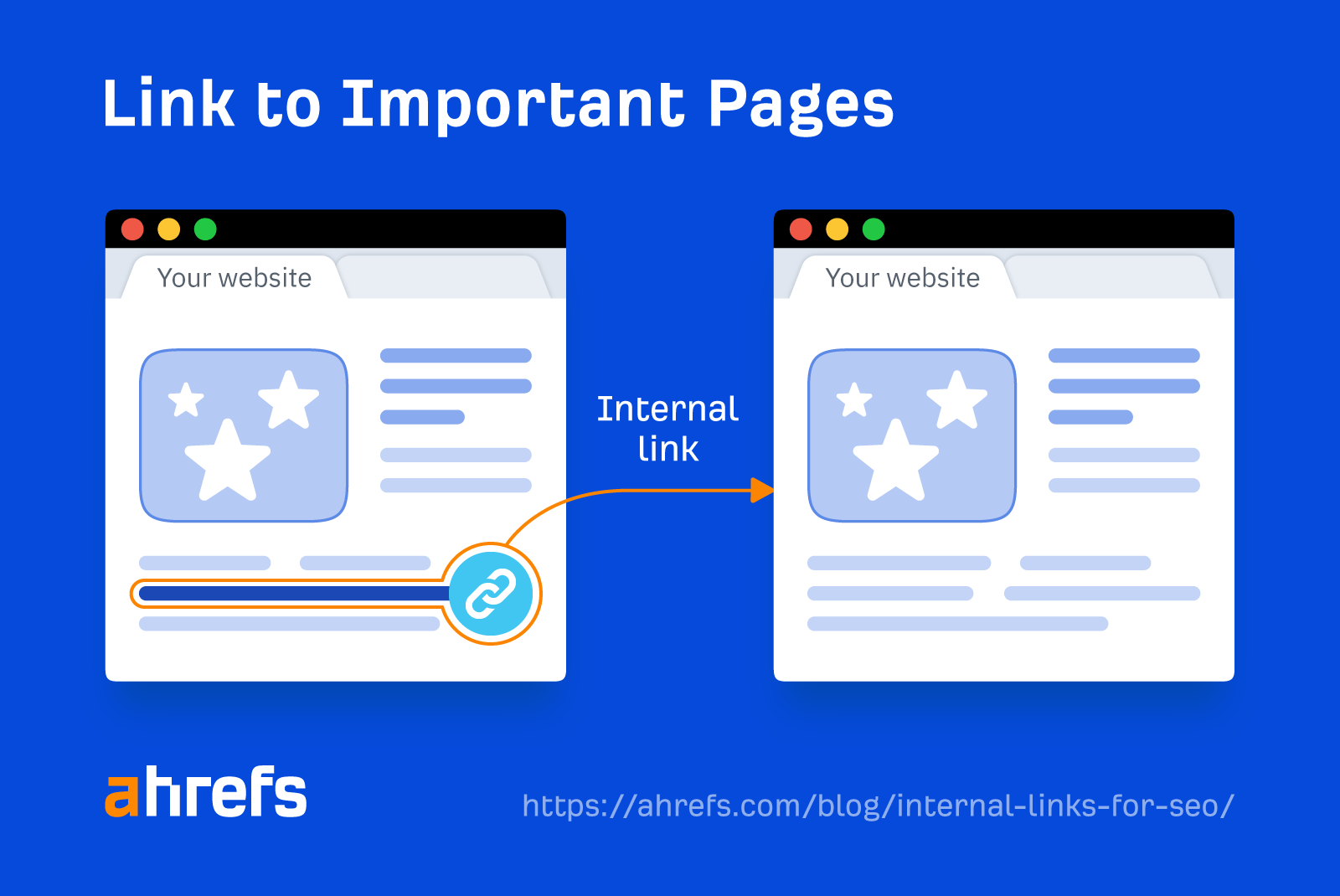
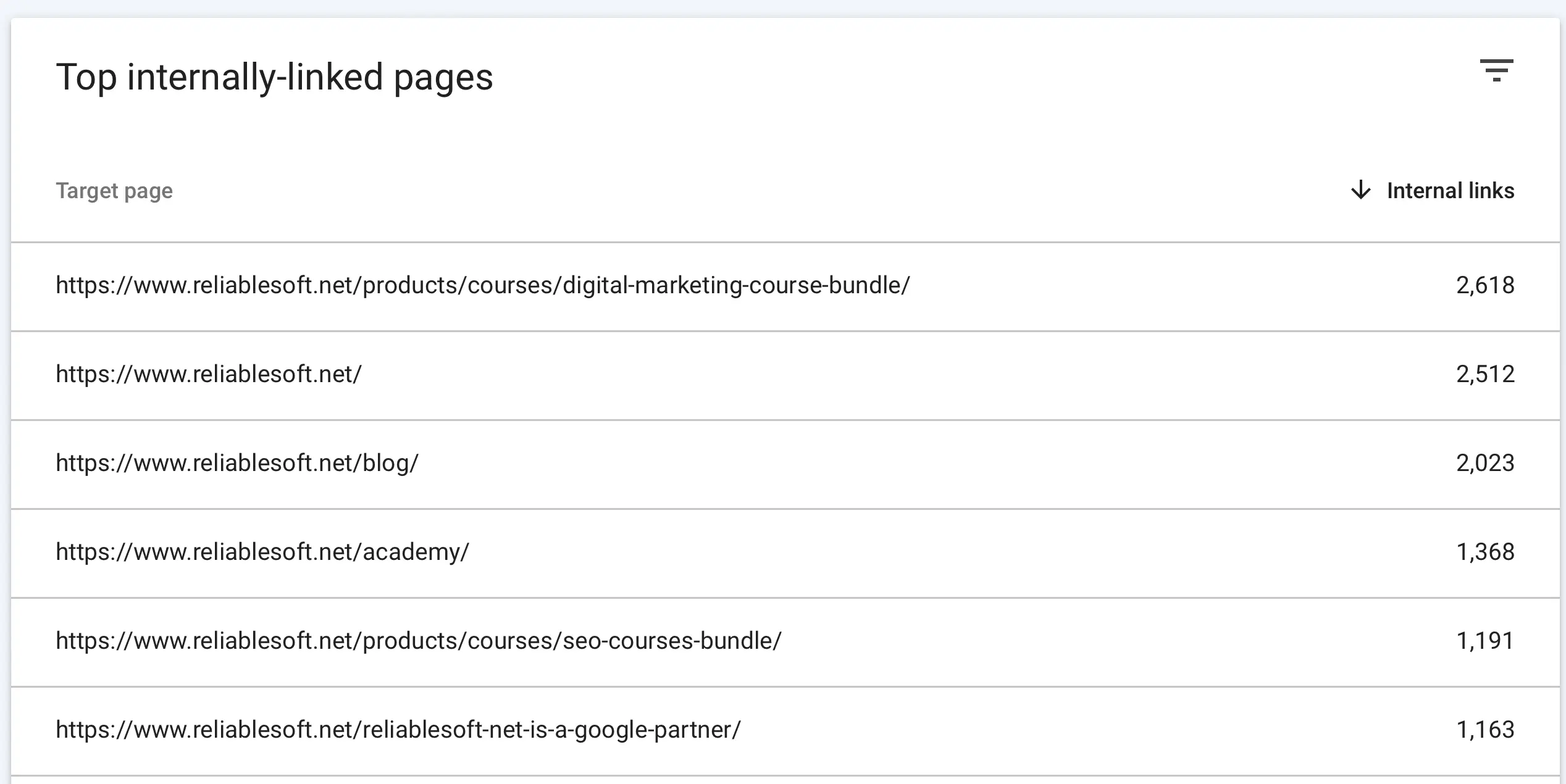
As a general SEO guideline, make sure that the pages you want to rank higher in search engines have a greater number of internal links. Although it’s not a critical SEO factor, it helps search engines identify which pages of your website are the most important. You can use the Google Search Console Internal Links report to see which pages of your website have the most links and adjust your internal linking strategy accordingly.
8. Make Internal Links Do Follow
In most cases, your internal links should be do follow, i.e., they should not carry the no follow attribute. Search engines ignore no follow links and are mostly used for external links. The only valid case to no follow an internal link is when it points to a page inaccessible by search engines (for example, pages behind a password-protected area that you don’t want to appear in Google search).
9. Use Different Anchor Text for Each Page
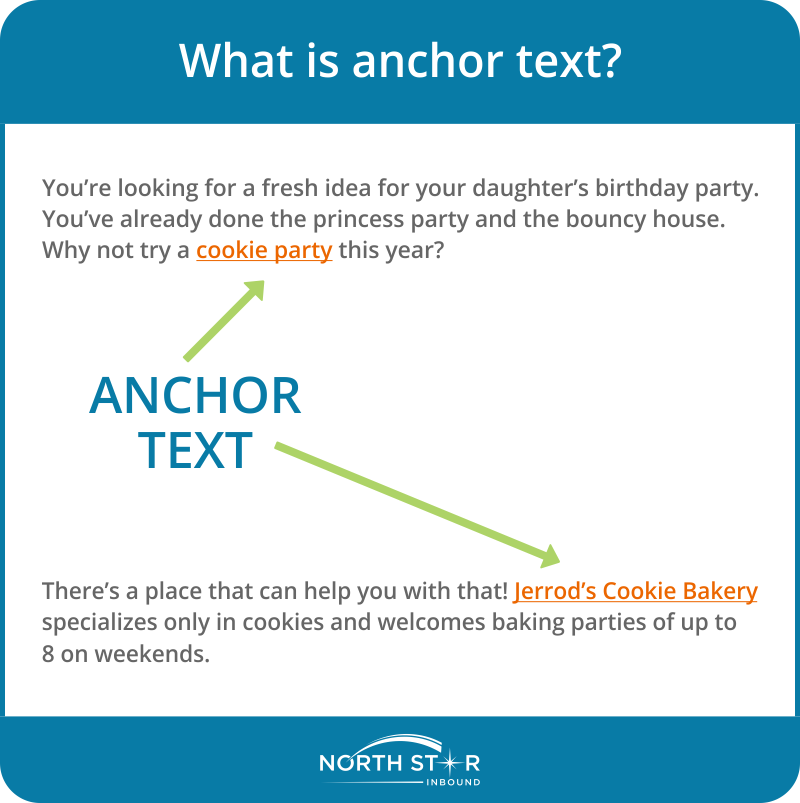
Best internal linking practices indicate not using the exact anchor text for different pages. This can create confusion for search engines and hinder your SEO efforts. When multiple pages are linked with identical anchor text, search engines struggle to understand each page’s unique context and relevance. To avoid this, ensure each internal link has a distinct and descriptive anchor text that aligns with the target page’s content and primary keywords.
10. Don’t Automate Internal Linking
You can use various tools to automate your internal linking, but it’s not a good practice. Tools add internal links based on hard-coded rules and not what is best for the user experience. It’s better to strategically add your links manually, which will be helpful to users and aid your site structure.
11. Format Internal Links

For the best possible user experience, you should format your links differently than normal text. This makes the links more accessible to users. As you can see on this page, all internal and external links are bold and in a different color.
12. Check Internal Links with Google Search Console
You can use the Internal links report in Google webmaster tools to find out the status of your internal link building (which pages have the most links, anchor text used, and much more info).
How Many Internal Links Should You Have Per Page?
The ideal number of internal links per page is 10-20. This is not a strict guideline but a recommendation. It depends on the type of content, length of the content, and other factors.